◆ Quick Connect
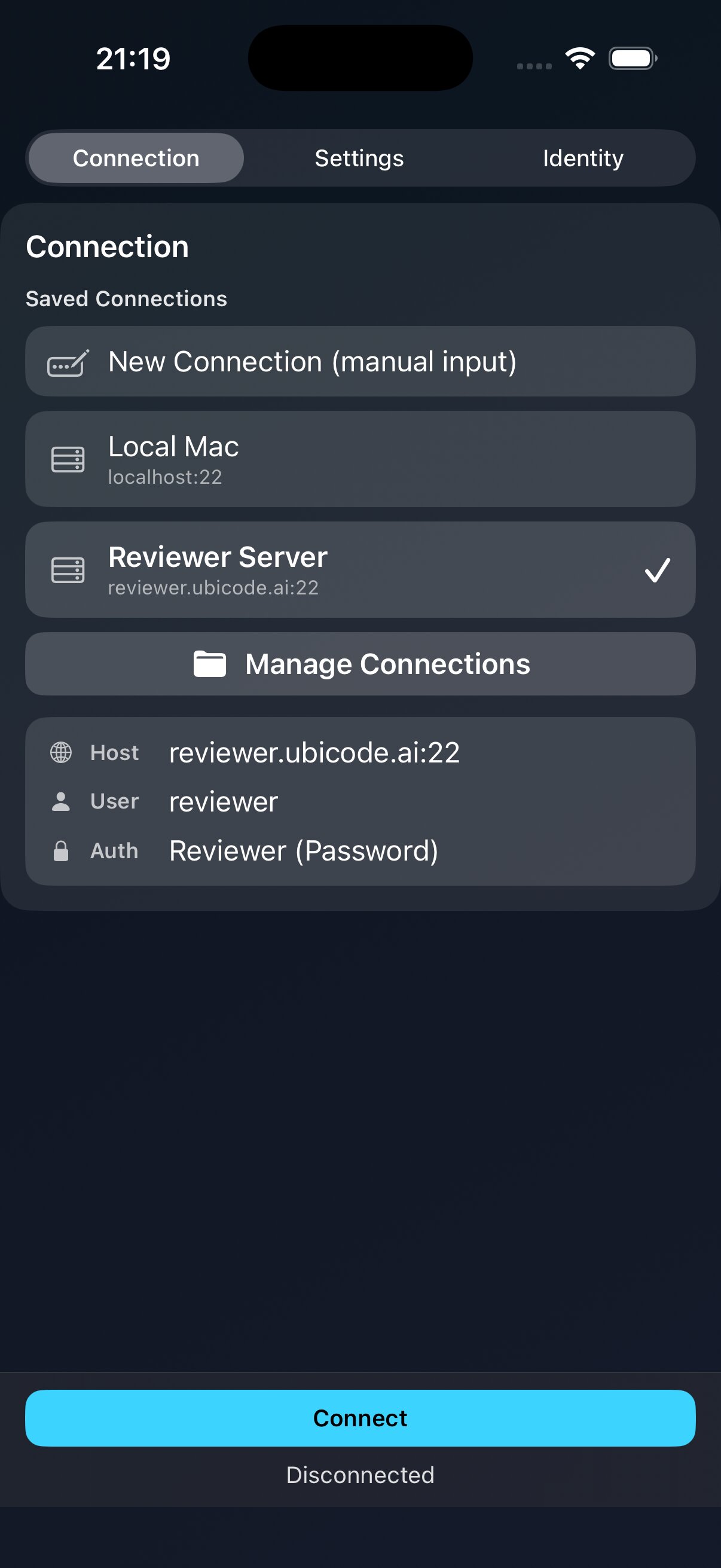
Save and organize your servers. Connect with a single tap.
$ ubicode connect --saved
██╗ ██╗██████╗ ██╗ ██████╗ ██████╗ ██████╗ ███████╗ ██║ ██║██╔══██╗██║██╔════╝██╔═══██╗██╔══██╗██╔════╝ ██║ ██║██████╔╝██║██║ ██║ ██║██║ ██║█████╗ ██║ ██║██╔══██╗██║██║ ██║ ██║██║ ██║██╔══╝ ╚██████╔╝██████╔╝██║╚██████╗╚██████╔╝██████╔╝███████╗ ╚═════╝ ╚═════╝ ╚═╝ ╚═════╝ ╚═════╝ ╚═════╝ ╚══════╝
(\  /)
( •.• )
c(")(")Editor and Terminal
over SSH on iPhone
user@ubicode:~$ cat README.md
Edit code, review Markdown, and command AI agents while away from your desk.
user@ubicode:~$ ubicode --list-features --verbose
Save and organize your servers. Connect with a single tap.
$ ubicode connect --saved
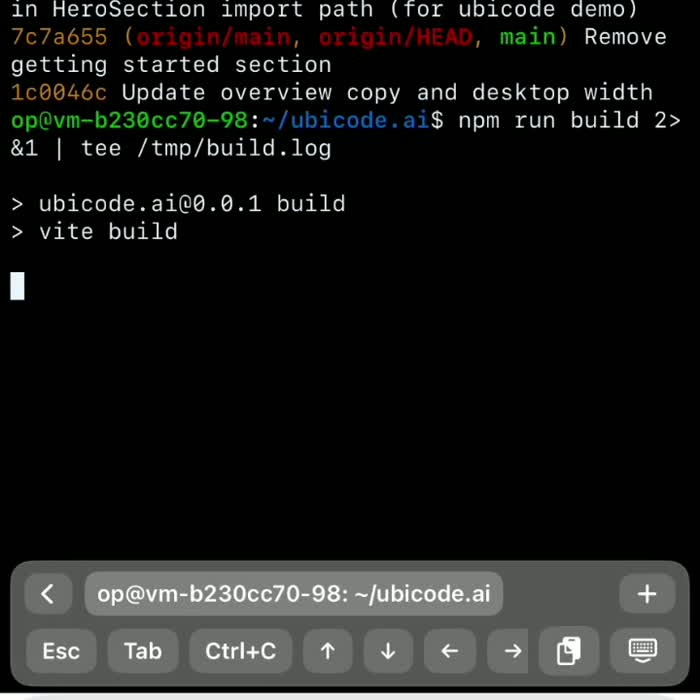
Full-featured xterm terminal with true color, Unicode, and Sixel support.
$ img2sixel ubicode_logo.png
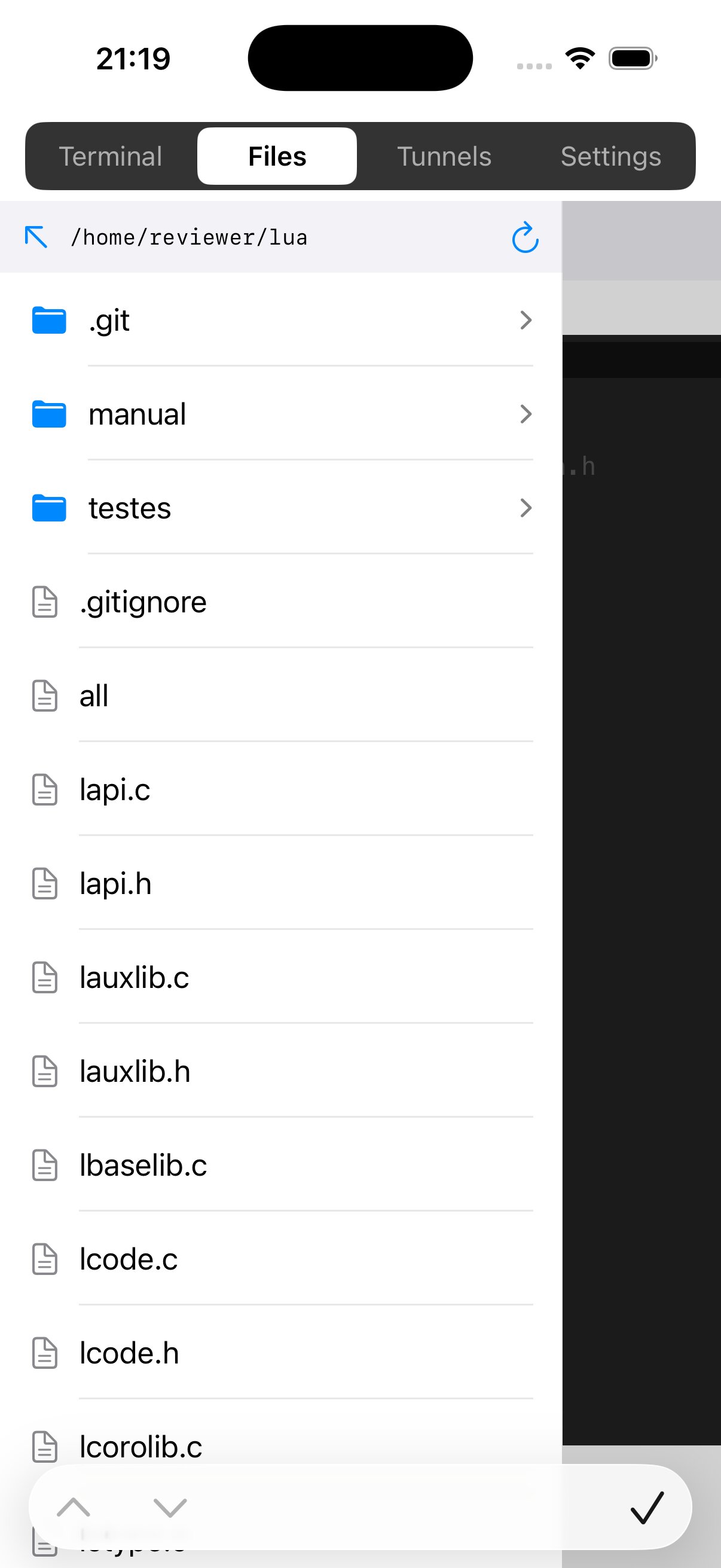
Browse, upload, and download files with a visual file manager.
$ sftp browse /home/reviewer/lua
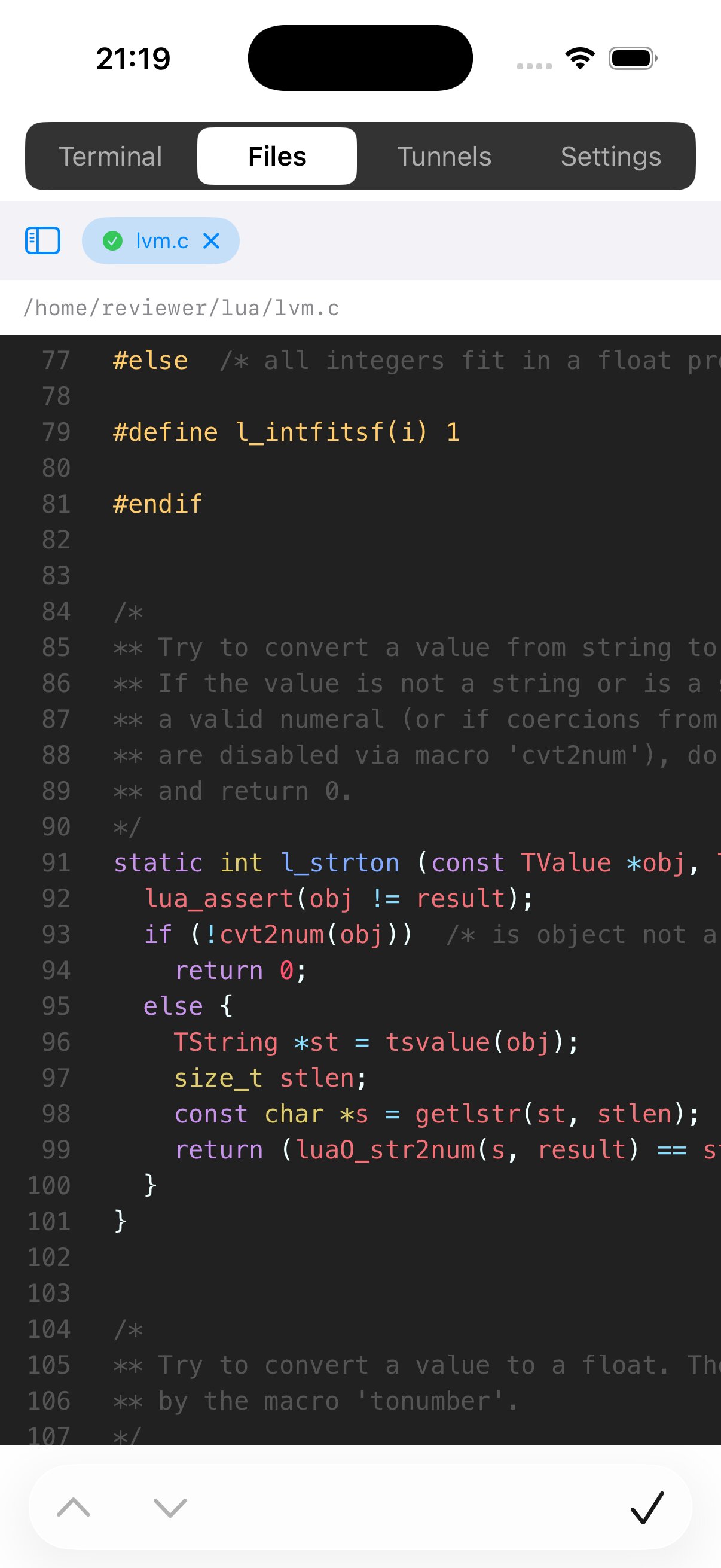
Edit remote files without leaving the app.
$ edit /home/reviewer/lua/lvm.c
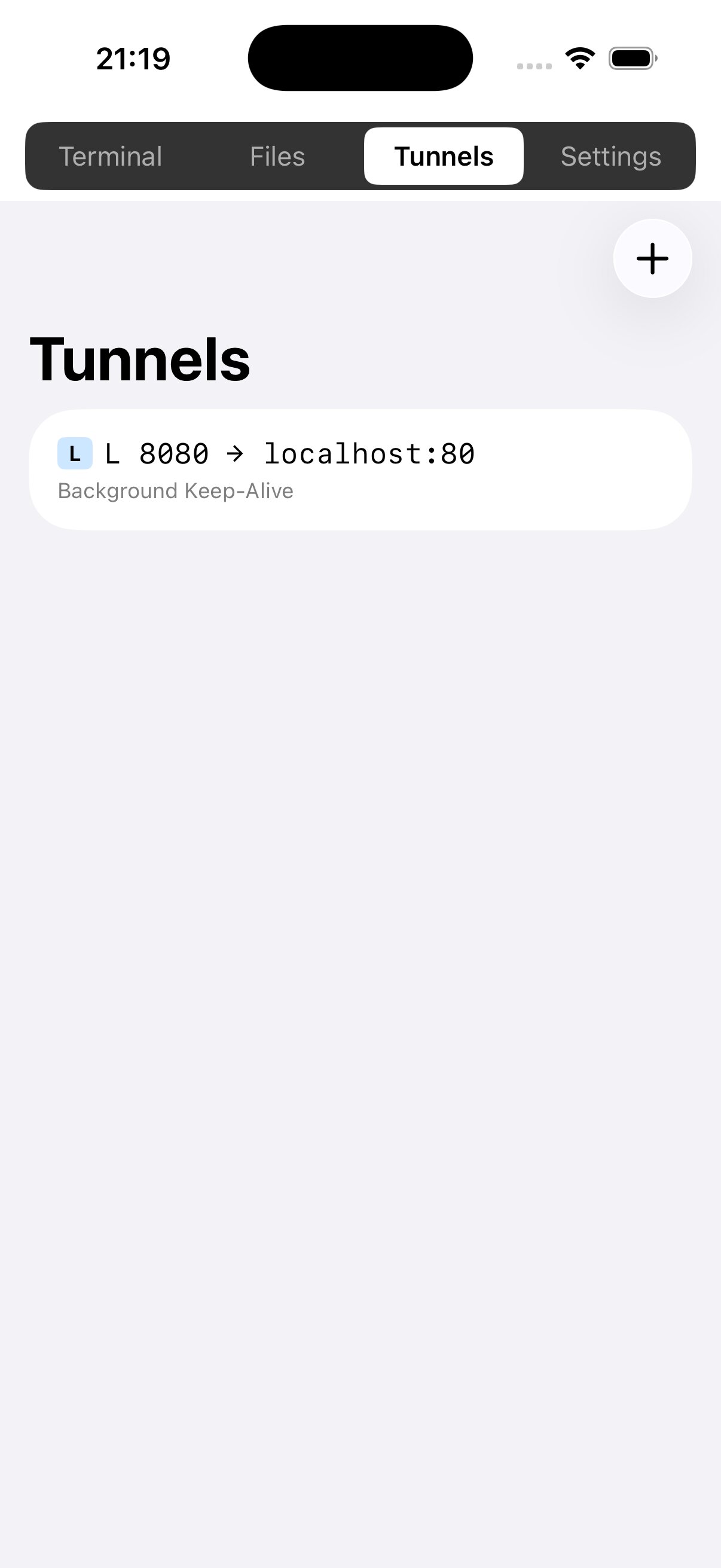
Local and remote port forwarding made simple.
$ tunnel -L 8080:localhost:80
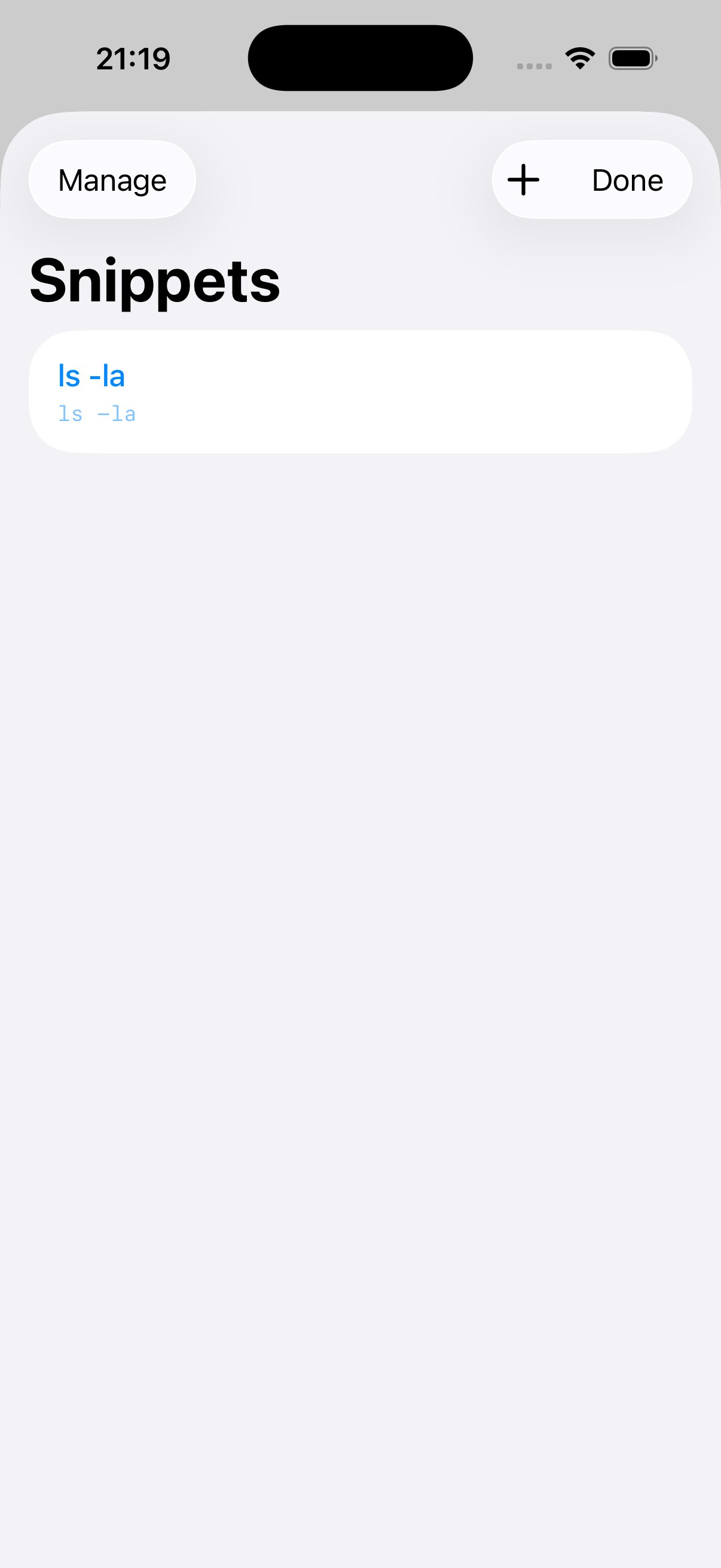
Save and reuse your most common commands.
$ snippets run "ls -la"
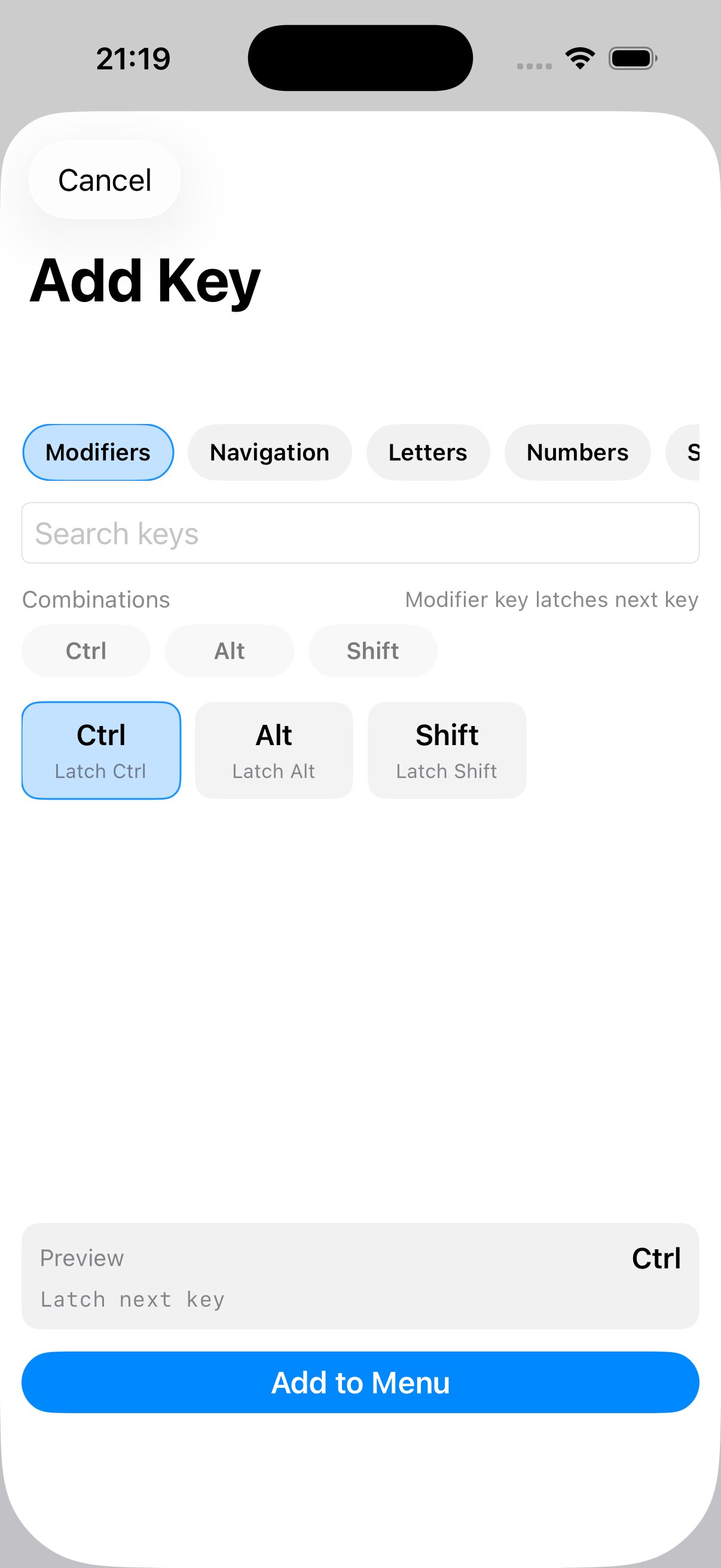
Tailor your keyboard shortcuts for efficiency.
$ keys add --modifier Ctrl
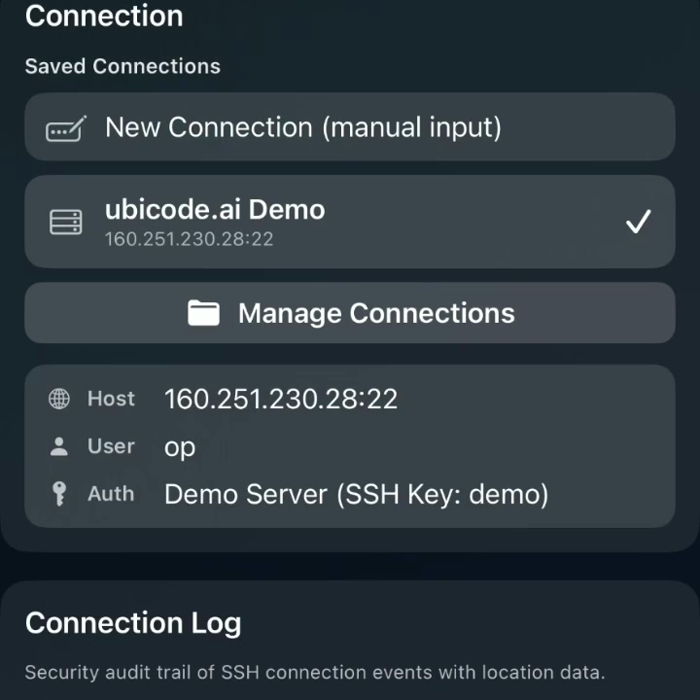
Keep an audit trail of SSH connection events and location data.
$ connections log --secure
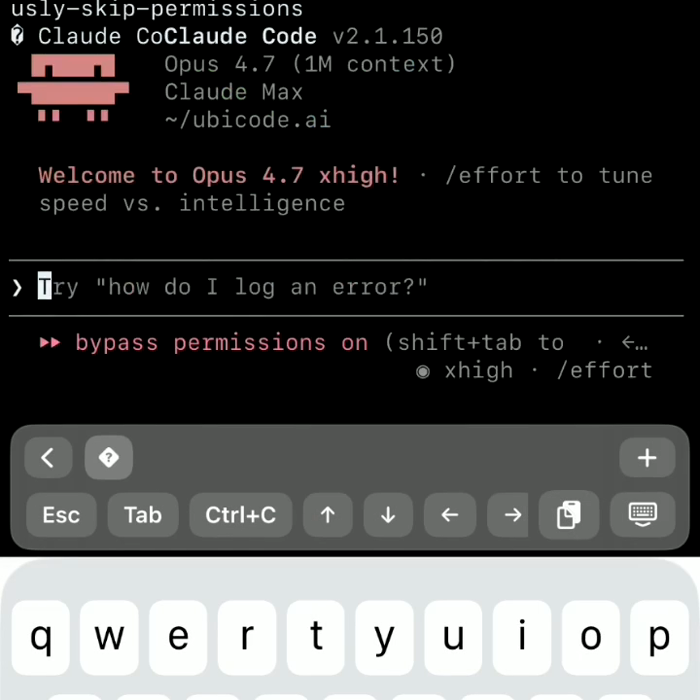
Run your AI agent straight from the terminal on mobile.
$ agent run --mobile
✓ 9 features loaded. All systems ready.
user@ubicode:~$ ubicode --start
# open your mobile workspace today
Install Ubicode via TestFlight, connect to your server, and keep moving from your phone.